Markdown Help
Markdown Doc Links
For full documentation visit mkdocs.org.
Markdown Guide Visit markdownguide.org.
Material Mkdocs mkdocs-material.
Install mkdocs-material
Commands
mkdocs new [dir-name]- Create a new project.mkdocs serve- Start the live-reloading docs server.mkdocs serve -a 0.0.0.0:8000- Start the live-reloading docs server over network.mkdocs build- Build the documentation site.mkdocs -h- Print help message and exit.
Project layout
mkdocs.yml    # The configuration file.
docs/
    index.md  # The documentation homepage.
    ...       # Other markdown pages, images and other files.
Examples
Link Example

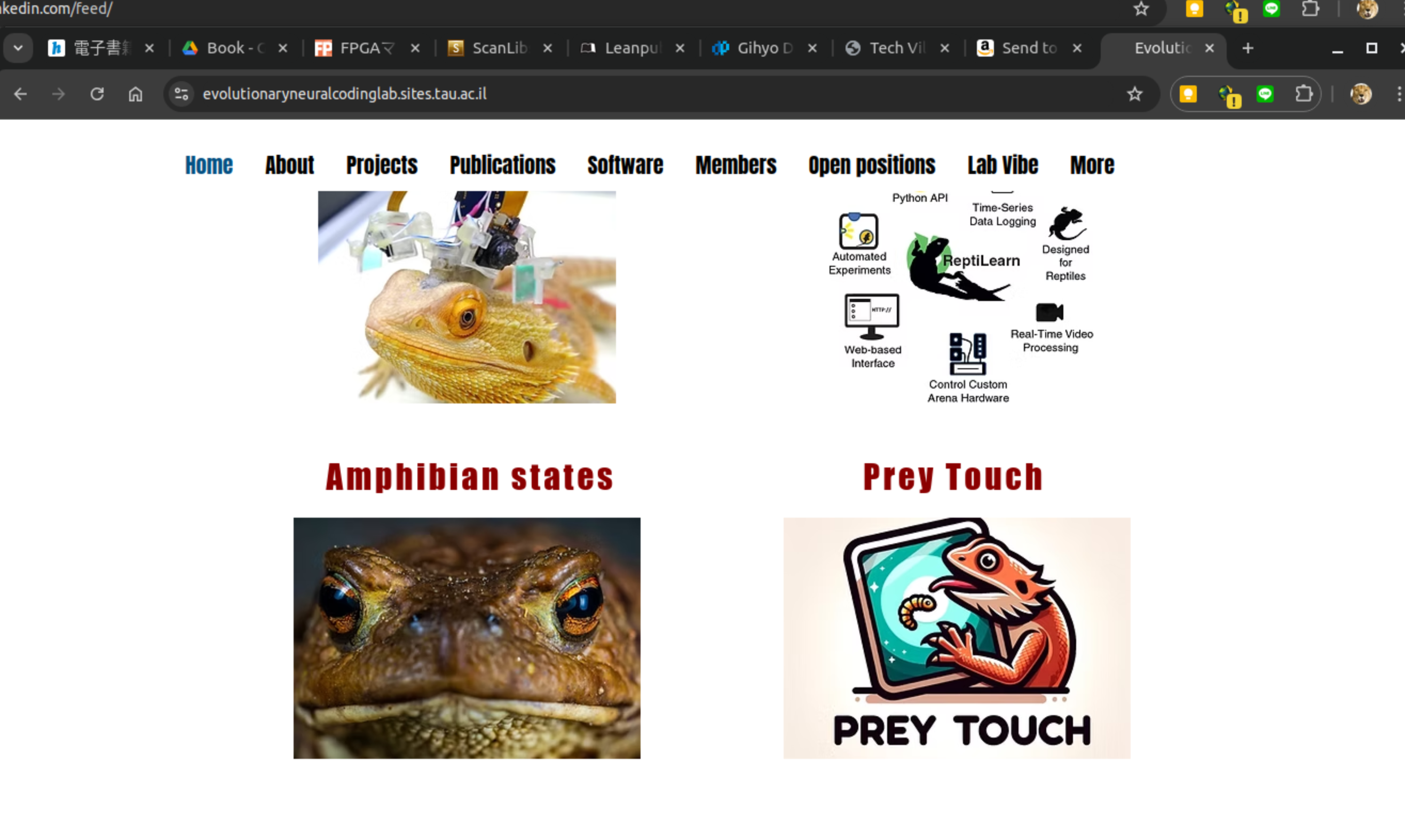{: style="height:150px"}
[{: style="height:150px"} evolutionaryneuralcodinglab](https://www.evolutionaryneuralcodinglab.sites.tau.ac.il/)
Github URL
Github [URL](https://github.com/EvolutionaryNeuralCodingLab)
Table Example
| Tables   |      Are      |  Cool |
|----------|:-------------:|------:|
| col 1 is |  left-aligned | $1600 |
| col 2 is |    centered   |   $12 |
| col 3 is | right-aligned |    $1 |
| Tables | Are | Cool |
|---|---|---|
| col 1 is | left-aligned | $1600 |
| col 2 is | centered | $12 |
| col 3 is | right-aligned | $1 |
Comment
<!---
These are Comments
Line 1
Line 2
--->
List
- First item
- Second item
- Third item
  - Indented item
  - Indented item
- Fourth item
Local Link
Local Page Link to ## ExamplesFootnote
Footnotes are a great addition to documentation.[^note] They provide extra context without interrupting the main reading flow.[^2]

[^note]: This is the first note.

[^2]: And this is another note with a slightly different identifier.
Footnotes are a great addition to documentation.[^note] They provide extra context without interrupting the main reading flow.[^2]
[^note]: This is the first note.
[^2]: And this is another note with a slightly different identifier.
Block Quote
This is a quote
Extentions
The [site_url][mkdocs.site_url] setting must be set
Note that you must set [site_url][mkdocs.site_url] when using instant
navigation, as instant navigation relies on the generated sitemap.xml
which will be empty if this setting is omitted. Example:
!!! info "The [`site_url`][mkdocs.site_url] setting must be set"

    Note that you must set [`site_url`][mkdocs.site_url] when using instant
    navigation, as instant navigation relies on the generated `sitemap.xml`
    which will be empty if this setting is omitted. Example:

    ``` yaml
    site_url: https://example.com
    ```
Warning
The Docker container is intended for local previewing purposes only and is not suitable for deployment. This is because the web server used by MkDocs for live previews is not designed for production use and may have security vulnerabilities.
???+ warning

    The Docker container is intended for local previewing purposes only and
    is not suitable for deployment. This is because the web server used by
    MkDocs for live previews is not designed for production use and may have
    security vulnerabilities.
=== "Latest"

    ``` sh
    pip install mkdocs-material
    ```

=== "9.x"

    ``` sh
    pip install mkdocs-material=="9.*" # (1)!
    ```
In mkdocs.yml
markdown_extensions:
  - abbr
  - attr_list
  - pymdownx.highlight:
      anchor_linenums: true
      line_spans: __span
      pygments_lang_class: true
  - admonition
  - pymdownx.details
  - pymdownx.inlinehilite
  - pymdownx.snippets
  - pymdownx.superfences
  - pymdownx.tabbed:
      alternate_style: true
Emoji
-
Web : 🌐
-
Film : 🎬 🎥
-
Code : 💾
-
Document : 📚 📑
-
Lab : 🔬🦠🧪
Markdown Help
Markdown Preview
Control-Shift-V
WaveDROM Help
WaveDROM Preview
Control-Shift-P